
Download VidOn Player HD – video player, HD playback, LAN streaming, mobile video, codec support, file sharing, Android app, video library, media player, mobile streaming
Overview
VidOn Player HD is a desktop-grade video playback application designed for Android devices, offering support for a broad range of video formats through integrated codecs. Its primary purpose is to enable users to play high-definition video files directly on mobile devices without the need for prior conversion. The software is particularly suited for individuals managing extensive video libraries who seek a straightforward way to access their content on the go. While the app’s core function centers on playback, it also includes advanced networking features intended for local area network (LAN) streaming, file sharing, and remote access to media stored on home servers or NAS devices.
The developer, VidOn, has positioned the app as a tool for users already familiar with network-based media sharing protocols such as UPnP, DLNA, Samba, and FTP. This suggests that the target audience includes tech-savvy users, home media enthusiasts, and those with existing home network infrastructures configured for streaming. Real-world use cases include playing 1080p movies directly from a home server, sharing videos across devices on a private network, and accessing a personal media library without relying on cloud services. However, the app does not appear to be optimized for casual users or those without prior experience in network configuration.
Key Features & Capabilities
- Universal Codec Support – The app includes a comprehensive set of built-in codecs, allowing playback of nearly all common video formats, including MKV, AVI, MP4, MOV, FLV, and more. This eliminates the need for file conversion before playback.
- HD and Full 1080p Playback – Supports high-definition video rendering up to 1080p resolution, ensuring a cinema-quality viewing experience on mobile screens.
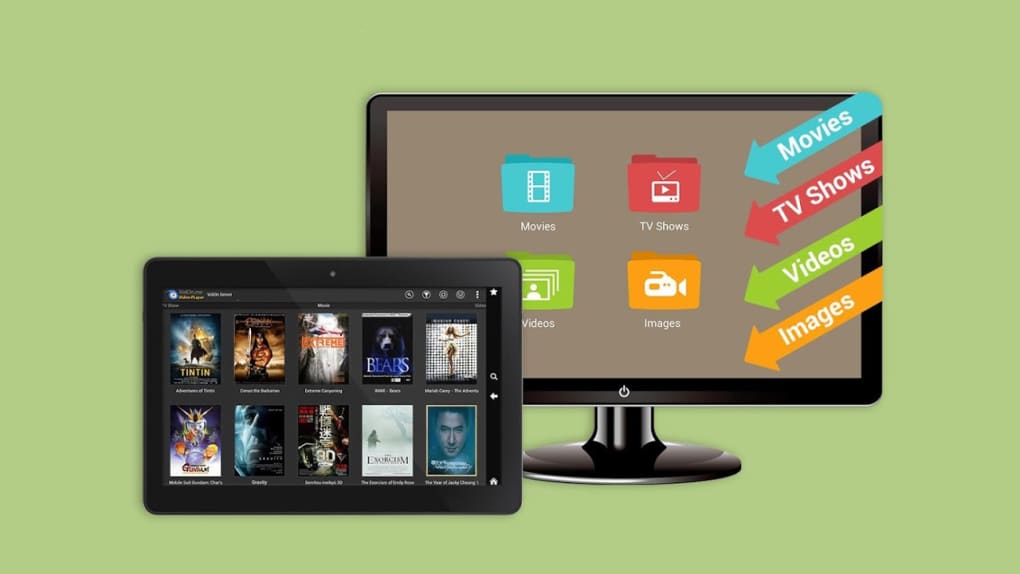
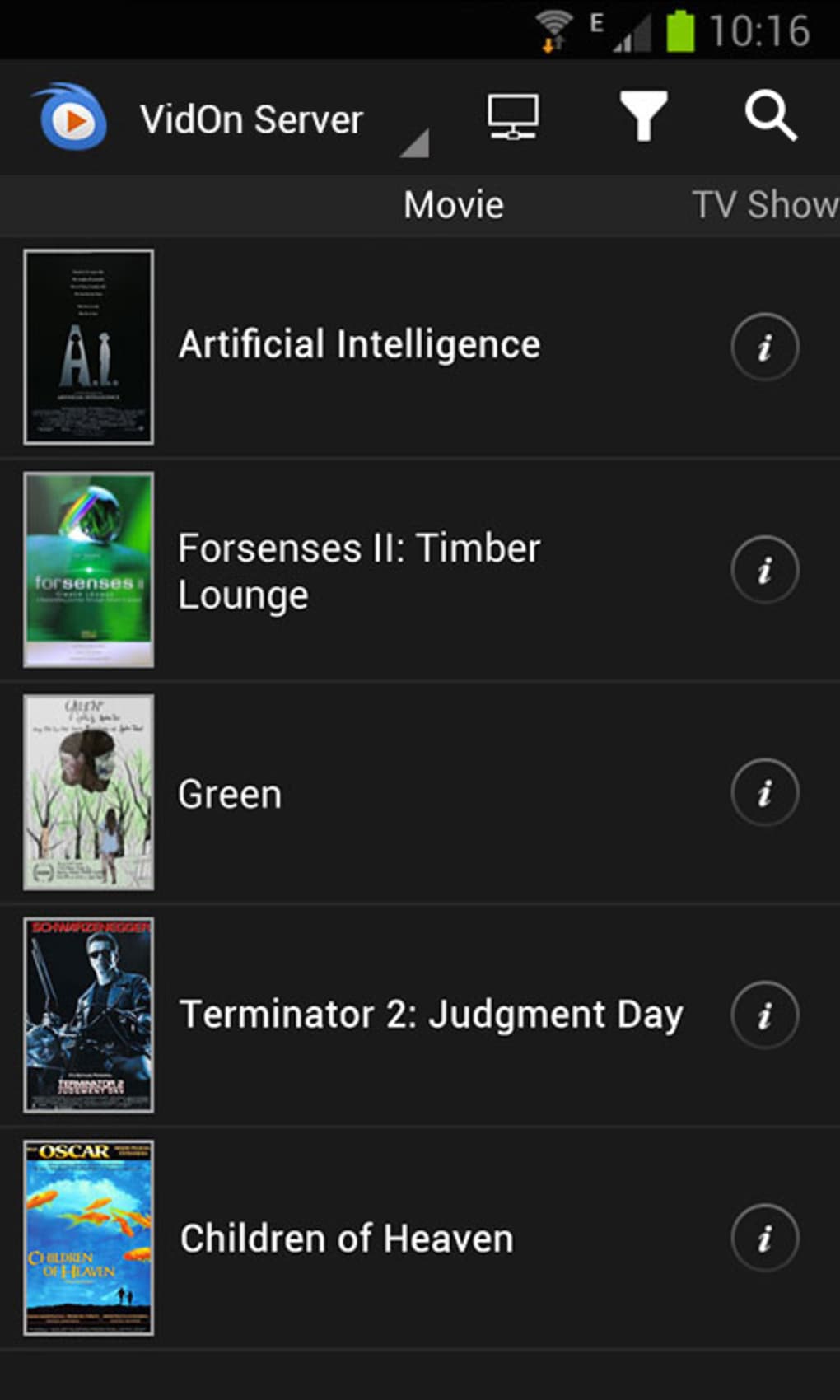
- LAN Streaming and File Sharing – Enables users to stream video content over a local network using protocols such as UPnP, DLNA, Samba, and FTP, facilitating access to media stored on external drives or home servers.
- Gesture Controls – Offers intuitive touch gestures for adjusting volume, brightness, and scrubbing through playback without requiring on-screen menus.
- Offline Playback – Allows users to store video files locally on the device and play them without an internet connection, ideal for travel or areas with limited connectivity.
These features are especially beneficial for users with a pre-configured home network setup. For example, a user with a NAS device can stream movies directly to their tablet via the app without transferring files. Similarly, a collector of digital media can use the app to play diverse file types without re-encoding. However, the effectiveness of these features depends heavily on the user’s existing network infrastructure and technical familiarity.
User Interface, Workflow & Performance
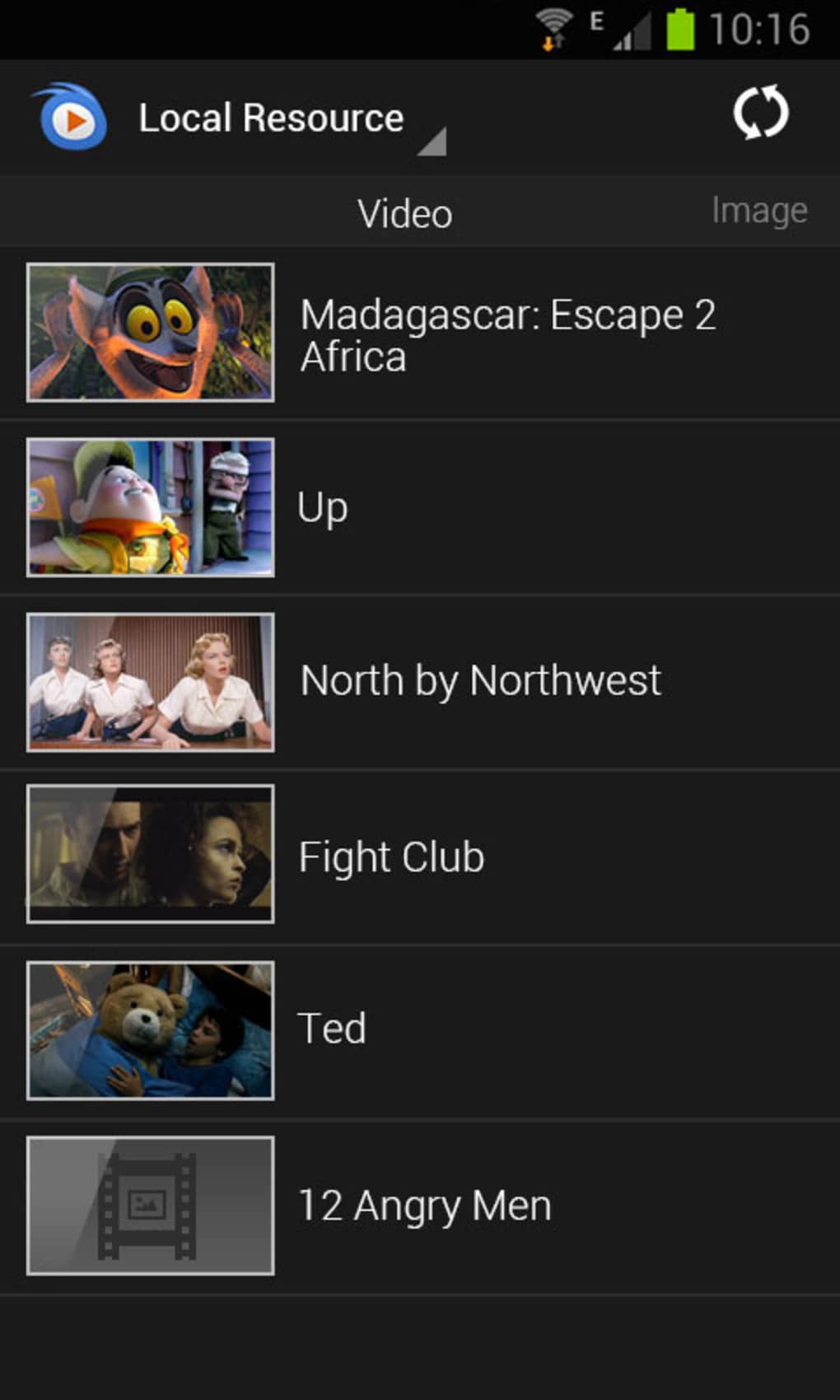
The user interface of VidOn Player HD is designed with functionality in mind, featuring a clean layout that prioritizes video playback and navigation. Main controls are accessible via on-screen buttons and touch gestures, allowing users to pause, play, adjust volume, and seek through content with minimal disruption. The app organizes media files in a hierarchical structure, making it easier to browse large libraries stored locally or on network shares.
Workflow efficiency is high for users who understand the app’s networking features. Once configured, streaming from a local server becomes a seamless experience. However, the initial setup process for network integration is not intuitive and lacks step-by-step guidance.
The app does not include built-in tutorials or tooltips, which may hinder users unfamiliar with terms like UPnP or Samba. Performance during playback is generally smooth, with no reported lag or stuttering when handling 1080p content. The developer did not specify resource usage details, but based on the app’s size and functionality, it is likely optimized for modern Android devices.
Stability issues have been reported, including occasional crashes when navigating menus, though playback remains unaffected.
Compatibility & System Requirements
VidOn Player HD is compatible with Android operating systems, though specific version requirements were not provided. The app has a file size of 24.7 MB, indicating a lightweight installation. It is designed for mobile devices with sufficient processing power and screen resolution to support HD video playback. The developer did not specify minimum hardware requirements such as RAM or CPU specifications.
Compatibility information is limited to the operating system, with no details on supported device types, screen sizes, or processor architectures. Users should ensure their device runs a current version of Android to avoid potential compatibility issues. The app is not available for other platforms such as iOS or desktop operating systems. For users with older Android versions, installation may not be supported if the app requires newer system APIs.
Pros and Cons
Pros
- Supports a wide range of video formats without conversion
- Delivers smooth 1080p HD playback on mobile devices
- Enables LAN streaming and file sharing for home media networks
- Includes intuitive gesture controls for seamless navigation
- Free to download and use with no in-app purchases
Cons
- Complex setup process for network features without clear instructions
- Lacks on-screen guidance or tutorials for new users
- Occasional crashes reported during menu navigation
- Not suitable for casual users unfamiliar with network protocols
- Platform limited to Android; no support for other operating systems
FAQ Section
Is VidOn Player HD compatible with all Android devices?
Compatibility is confirmed for Android, but specific version requirements were not provided. Users should ensure their device runs a current Android OS version for optimal performance.
Can I use VidOn Player HD without an internet connection?
Yes, the app supports offline playback of locally stored video files, making it ideal for use in areas without internet access.
Does the app require a paid license?
No, VidOn Player HD is free to download and use. There are no subscription fees or in-app purchases reported.
What networking protocols does the app support?
The app supports UPnP, DLNA, Samba, and FTP for streaming and sharing video files over a local network.
Is the app safe to download and install?
As a free Android application, VidOn Player HD is available through official channels. Users should download from trusted sources to ensure security.
Final Thoughts
VidOn Player HD is a capable video player that excels in its intended niche: enabling high-quality, format-agnostic playback on Android devices with support for LAN-based media sharing. Its strength lies in its codec versatility and smooth HD performance, making it a valuable tool for users with existing home network setups. However, the lack of user guidance, complex configuration, and occasional stability issues prevent it from being accessible to the average consumer. It is not a one-size-fits-all solution, but for technically inclined users with media libraries and configured networks, it delivers on its promises.
For those already managing a home media server or using networked storage, VidOn Player HD offers a streamlined way to enjoy content on mobile without conversion. Its free model and robust feature set make it a compelling choice within its target audience. Download VidOn Player HD now.





.png)

